Comparison
img2gba vs Butano: two ways to get your picture into a GBA game
Short answer: Butano and img2gba both end in a real .gba ROM, but for different people. Butano is a free, open-source C++ engine: you install a GBA toolchain, prepare your art as indexed BMP files with a small JSON file beside each, and write the game in C++. img2gba runs in a browser: you add any picture and a sentence, and an AI agent fits the picture to the GBA, writes the game, tests it and hands it to you to play. If you want to learn GBA programming and control every line, Butano is one of the best ways in. If you want your drawing or photo in a GBA game you can play a few minutes from now, without code, img2gba is built for that.
Also in: Español · Deutsch · Français · Português · Italiano · Nederlands · Svenska · Norsk · Bahasa Indonesia · Türkçe · Polski · Tiếng Việt · Русский · 日本語 · 한국어 · 繁體中文
On this page
Everything said about Butano here comes from its own documentation (gvaliente.github.io/butano) and its GitHub repository, read on 2026-11-17.
What each one is
Butano describes itself as "a modern C++ high level engine for the Game Boy Advance." Its README says it can "create and display sprites, backgrounds, text, raster effects and more with only one line of C++ code." It is licensed under the zlib license. It builds on top of one of two GBA toolchains, devkitARM or Wonderful Toolchain, which run on Windows, macOS and Unix-like systems, and its getting-started guide recommends an emulator such as mGBA for development. For music and sound it works with third-party libraries such as Maxmod and Apex Audio System. It comes with examples of most parts of the engine and detailed documentation, and it is the engine under GBA Studio, a Windows visual editor that converts its projects to C++ and builds them with Butano.
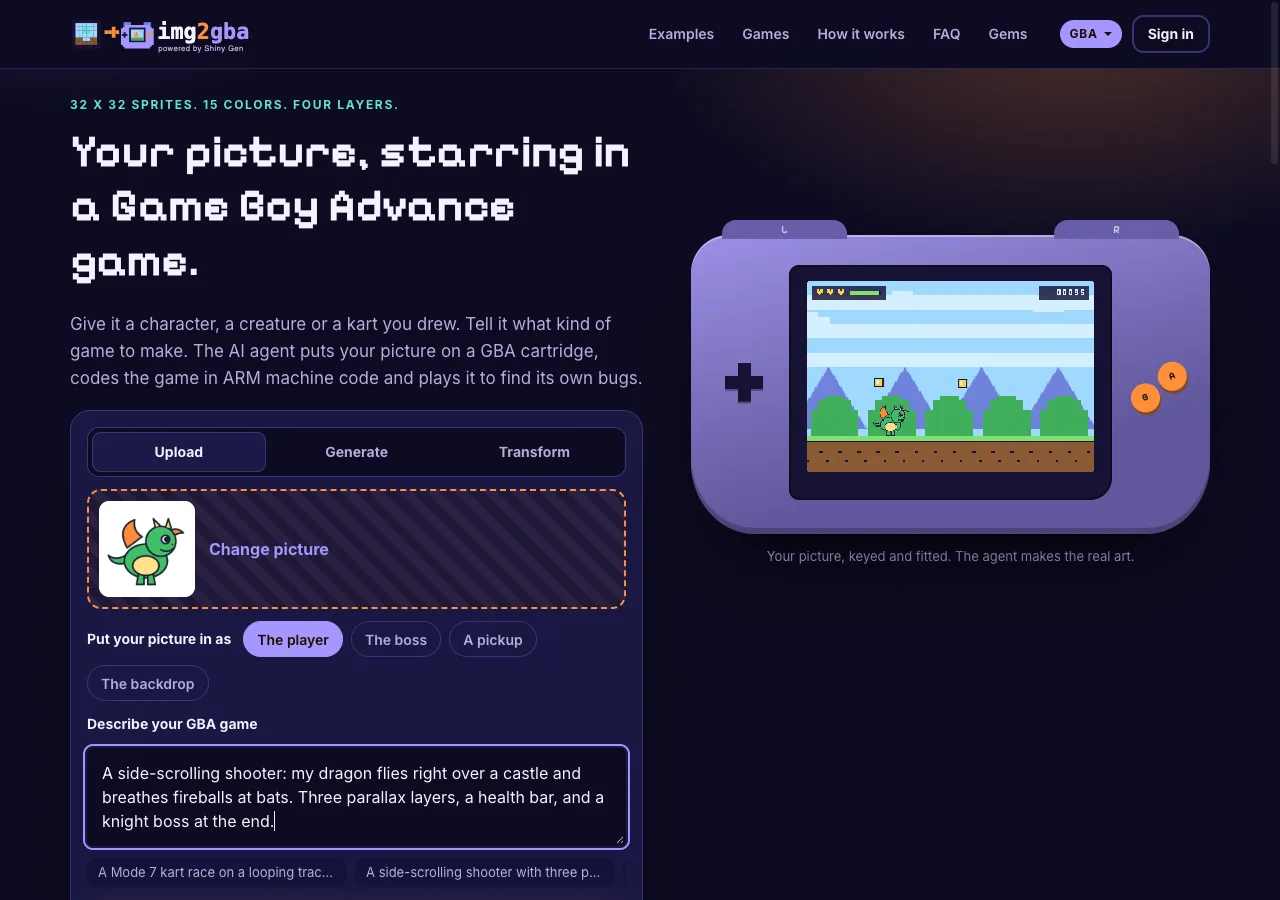
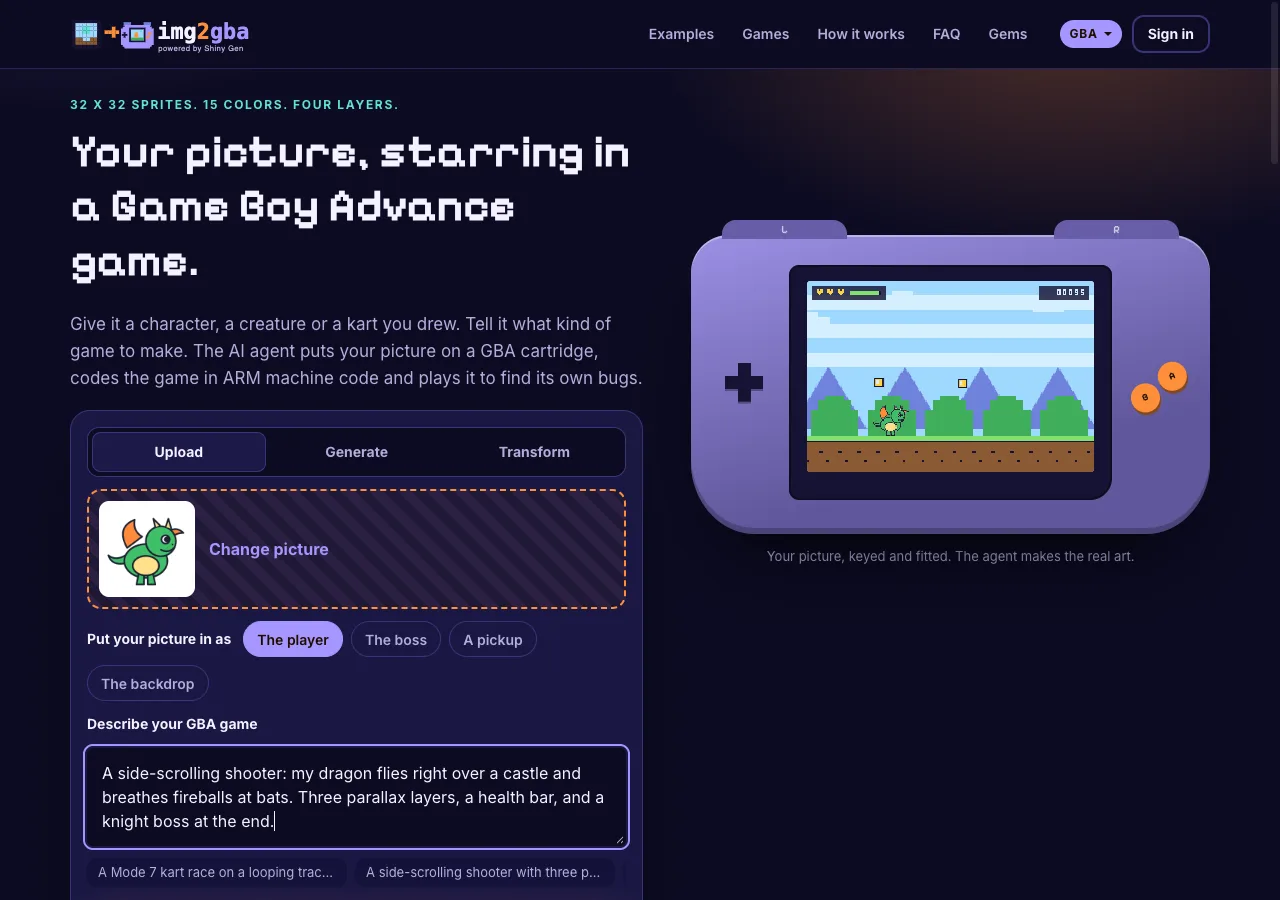
img2gba is a front door to Shiny Gen, an AI game creation engine, for one job: putting your picture into a Game Boy Advance game. You upload a picture (or have the built-in image models draw or restyle one), choose whether it is the player, the boss, a pickup or the backdrop, and describe the game. An AI agent imports the picture into a cartridge, writes the game in a small C-like language that Shiny Gen compiles to ARM Thumb code, plays it with the buttons to find bugs and fixes them. Everything runs in a browser on a computer, phone or tablet.
How each one takes your picture
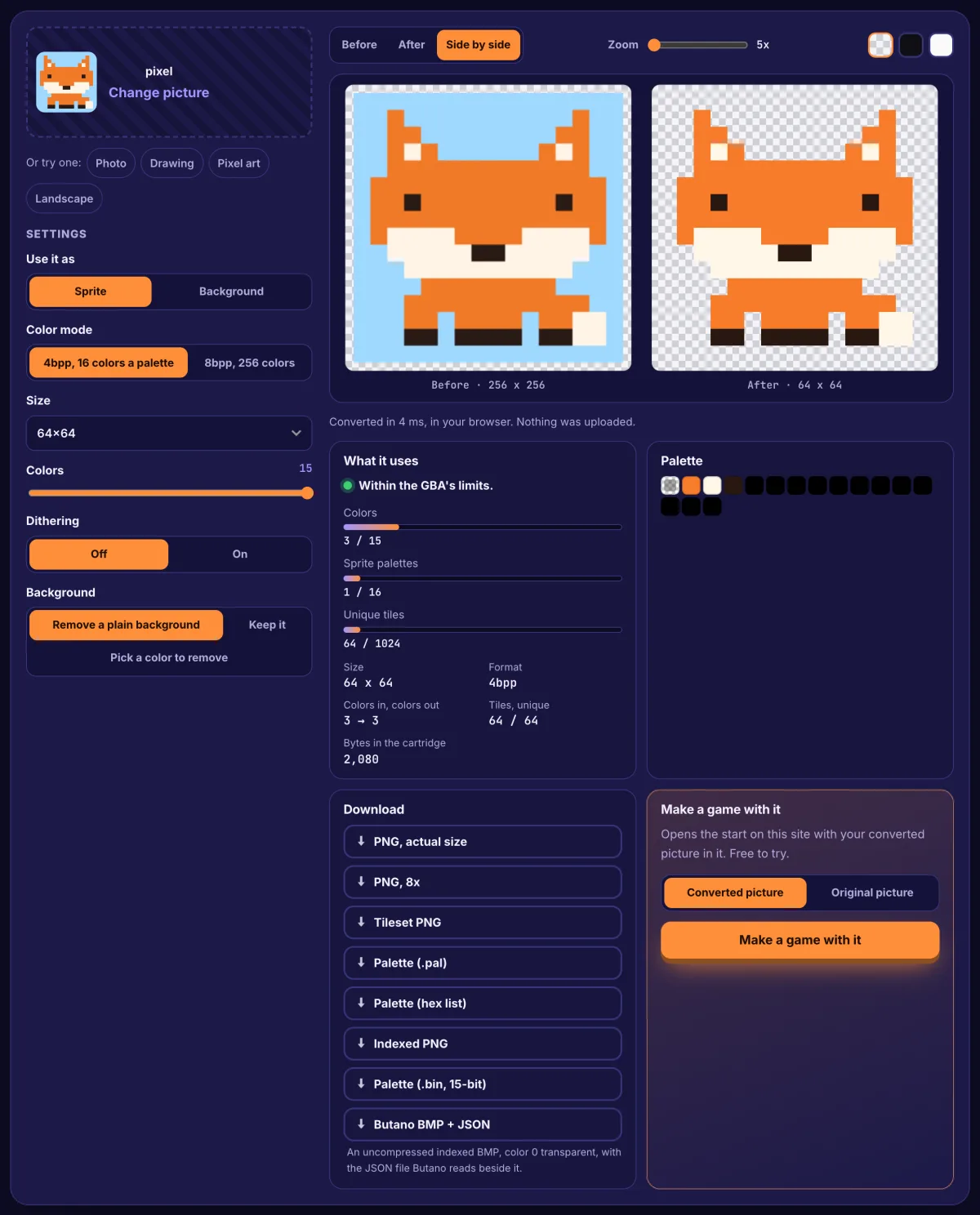
In Butano, you prepare the image. Its import guide asks for a BMP "without compression or color space information," with "16 or 256 colors only," and says a BMP alone "is not enough": each image needs a JSON file with the same name. The JSON gives the type (sprite, regular_bg, affine_bg and others), and for a 16-color sprite the bit depth. The first color in the palette is the transparent one. An image that holds one sprite must be one of the GBA's hardware sprite sizes, and animation frames are laid out in one image. So to use a photo or a drawing, you first reduce it to an indexed 16-color BMP at the right size in an image editor, pick which color is transparent, and write the JSON. That is precise: you decide every pixel and every palette slot.
On img2gba, the picture is fitted for you. Drop in a PNG, JPG or WebP in any colors. If its background is plain, the site cuts it out first. The cartridge then makes it one hardware sprite (32 x 32 for the player, 64 x 64 for the boss, 16 x 16 for a pickup) and picks the 15 colors plus transparency that best match it from the console's 32,768. The agent is told to keep your picture as the art and not redraw it. The trade-off is control: you do not choose the palette by hand, and a photo's soft shading turns into bands. The live preview on the card shows your picture as a 32 x 32 sprite on a 240 x 160 screen before you start.
Who writes the game
Butano: you do, in C++. The engine takes care of a lot (its README's "one line of C++" for a sprite or a background), but game logic, collisions, menus and states are yours to write, build with the toolchain and test in an emulator. The examples and docs are there to learn from.
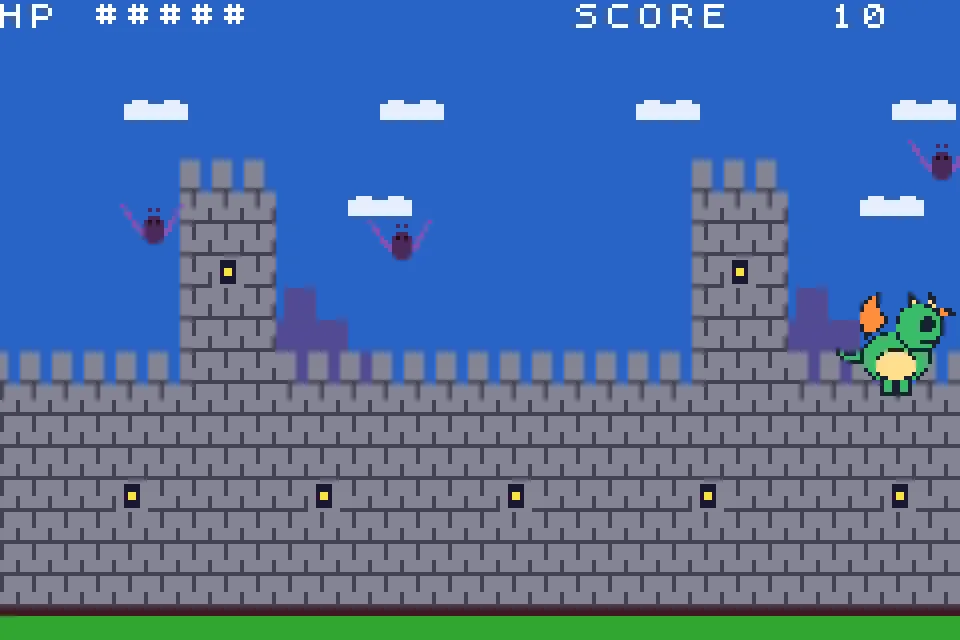
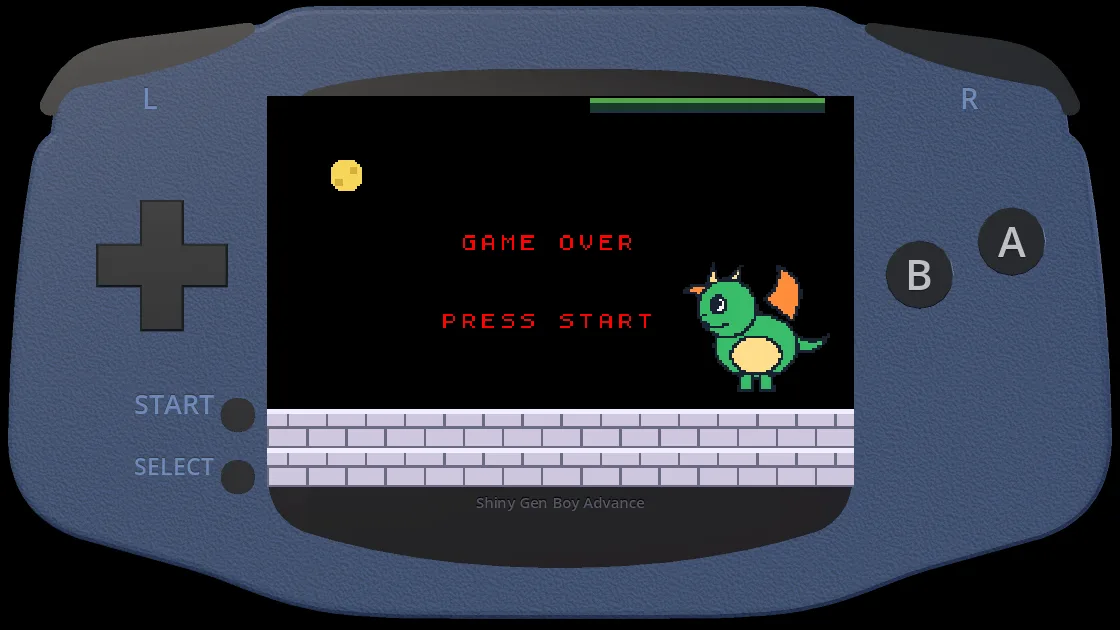
img2gba: the agent does, from your sentence. It reads the GBA engine's reference, writes the code, compiles it, and plays the cartridge: pressing the buttons, reading the 240 x 160 screen back and fixing what is broken. In our sessions a first version you can play took 3 to 5 minutes of agent time and about 10 gems. You then change it by chat, or open the Code view and edit the code yourself at no cost.
Side by side
| img2gba | Butano | |
|---|---|---|
| Where it runs | A browser on a computer, phone or tablet; nothing to install | Your computer, with devkitARM or Wonderful Toolchain installed (Windows, macOS, Unix-like) |
| Your picture | Any PNG, JPG or WebP; cut out, scaled and color-fitted for you | An indexed 16- or 256-color BMP plus a JSON file you write |
| No picture yet | Generate or transform one with built-in image models (2 to 8 gems) | Draw or convert it in your own image editor |
| Who writes the game | An AI agent from a sentence; you change it by chat or code | You, in C++ |
| Testing | The agent plays its own build; you play in the tab | You run it in an emulator such as mGBA |
| Sound | The agent can add music and sound effects | Third-party libraries such as Maxmod or Apex Audio System |
| Output | A .gba ROM (export needs any one purchase, from $2.99), a play link on img2gba.com, the game in the Shiny Gen apps | A .gba ROM from your build |
| Cost | Free to start; AI work uses gems, packs from $2.99 | Open source (zlib license) |
Where Butano is better
- Full control in real C++. Every system, every frame and every byte of the game is yours. Nothing is decided for you.
- You learn GBA development. The skills carry over: toolchains, palettes, sprites, affine backgrounds, the hardware itself.
- Precise art. You choose each palette color and which one is transparent, and 256-color modes are there when you want them.
- Free and open. The zlib license, no account and no ongoing cost.
- A visual editor on top, if you want one. GBA Studio builds its projects with Butano.
Where img2gba is better
- No setup. No toolchain, no compiler, no emulator to install. It runs in a browser, including on a phone.
- No art preparation. A drawing, a toy photo or a pet photo goes in as it is; the cut-out, the scaling and the 15-color fit happen for you.
- No picture? Make one. Generate (Pixel art 3 gems, Detailed 8, Fast 2) or transform one you have (Best 8, Fast 7).
- No code. The agent writes, builds and tests the whole game from one or two sentences, including parallax layers, Mode 7 tracks or a boss when you ask.
- Share with a link. The game plays in anyone's browser from img2gba.com, and it is in the Shiny Gen apps for iPhone, iPad and Android under the same account.
Who should pick which
- You have a picture and want to play it as a GBA game today: img2gba.
- You want to learn GBA programming, or you already write C++: Butano.
- You want to hand-tune every palette and frame: Butano.
- You are on a phone, a Chromebook or a computer where you cannot install tools: img2gba.
- You want a prototype to see if an idea is fun before you program it properly: start on img2gba, then build the long version in Butano if you fall for it.
FAQ
Is img2gba a Butano alternative?
For turning a picture into a GBA game you can play, without writing code, yes: it does the art conversion, the programming and the testing that you would do yourself with Butano. It is not a C++ engine, so if you want to write and own a C++ codebase, Butano is the tool.
What image format does Butano need?
Its import guide asks for BMP files without compression or color space information, with 16 or 256 colors, each with a JSON file of the same name that says what the image is (for example a sprite or a background). The first palette color is transparent.
Do both make real .gba files?
Yes. Butano builds a .gba ROM with your GBA toolchain. img2gba games are compiled to ARM Thumb code and linked into a .gba cartridge image, which you can export with any one purchase, from $2.99.
Is Butano free? Is img2gba free?
Butano is open source under the zlib license. img2gba is free to start: making, playing and sharing games is free, new accounts get free gems and free agent turns, and AI work uses gems after that.
Can I take an img2gba game into Butano?
Not directly. An img2gba game is written in Shiny Gen's own C-like language, which you can read and edit in the studio's Code view, but it is not a Butano project.
Further reading
Last updated: November 17, 2026